Bring offline fee collection into the same system.
Record cash, cheque, demand draft and bank-transfer payments against the right student and fee, generate receipts, and keep every fee-counter collection connected to the same record as digital payments.
Mark offline payment
Collection recorded
Record the payment modes your fee counter already handles.
Keep cash, cheque, demand draft and bank-transfer collections inside the same fee workflow instead of maintaining a separate offline trail.
Cash
Record cash received at the fee counter with the receipt number and receipt date retained with the payment.
Cheque
Record cheque-based fee collections against the right student and fee so the collection remains part of the same payment record.
Demand Draft
Capture DD number, date, bank and branch while keeping the collected amount mapped to the relevant student and fee.
Bank Transfers
Record transfer payments with UTR and transfer date while retaining the right student, fee and payment context in Collexo.
Bring every fee counter into the same payment system.
For students and parents who pay at the counter, Collexo Terminal generates a transaction-specific Dynamic QR for the exact learner and fee due. They scan with any UPI app while the payment stays mapped in Collexo from the point of collection.
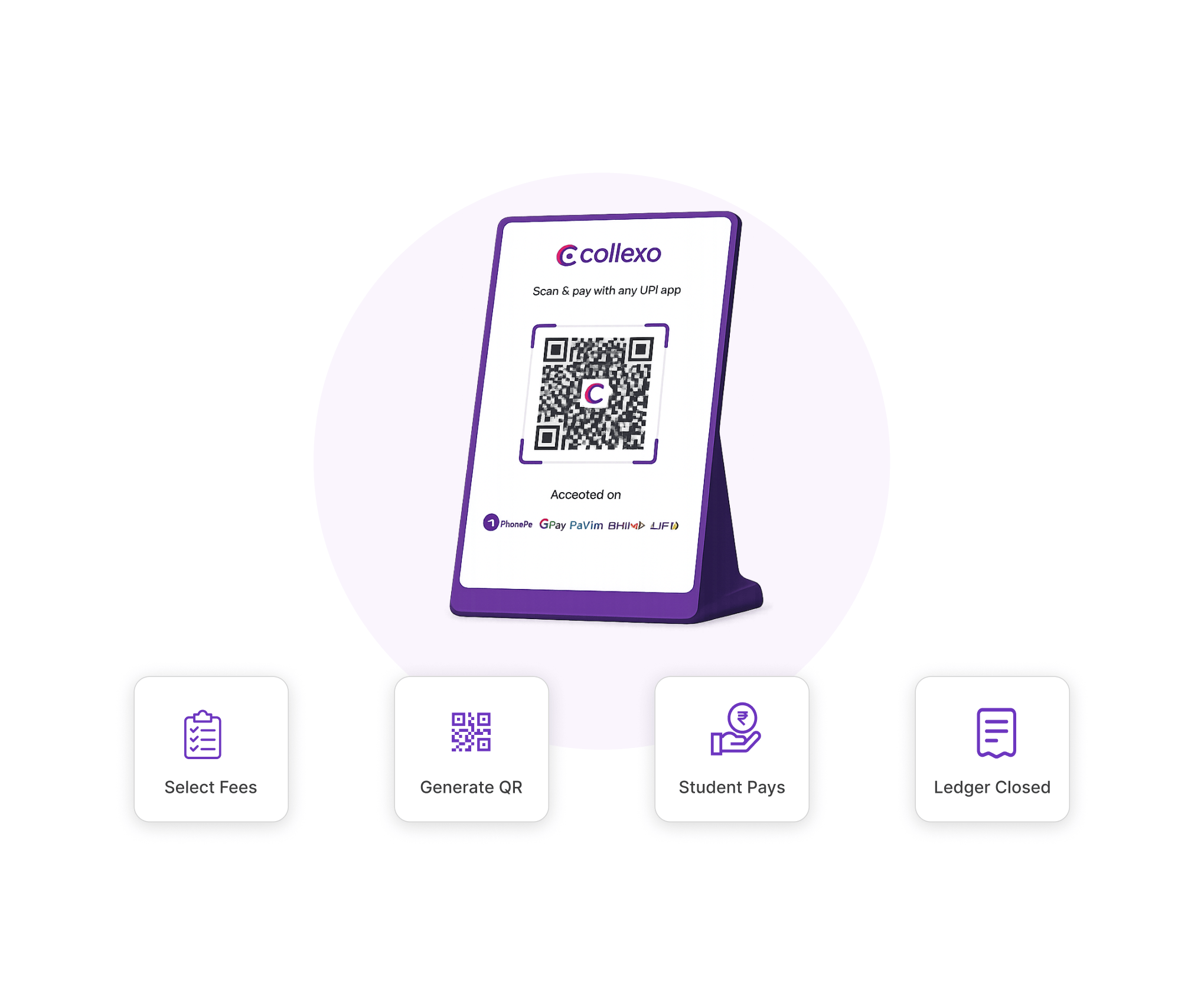
From fee counter to connected payment record.
Record the collection once and keep the student, fee, payment mode, supporting details and receipt attached to the same transaction.
Find the student and fee
Pull up the learner and see the applicable fee, amount due and outstanding balance before recording the collection.
Record how the fee was paid
Select the offline mode used at the counter or through the bank so the payment record carries the right context.
Capture the details finance needs
Keep mode-specific information with the payment instead of storing receipt numbers, DD details or transfer references elsewhere.
Generate the receipt and update the fee
The offline collection becomes part of the learner’s payment history, with the receipt and remaining payable amount kept visible.
Need another way to collect?
Use Offline Collection alongside Online Payments, Payment Links, AutoDebit, EMI and Dynamic QR while keeping fee records inside the same institutional payment workflow.
Questions about offline fee collection.
The essentials for finance and fee-counter teams recording offline student payments in Collexo.
Which offline payment modes can Collexo record?
Institutions can record offline fee collections such as cash, cheque, demand draft and bank transfer against the relevant student and fee record.
What payment details can be captured for offline collections?
Collexo supports mode-specific details such as cash receipt number and date, DD number, date, bank and branch, and bank-transfer UTR and transfer date. Teams can also add remarks and upload payment proof where required.
Can Collexo record partial offline fee payments?
Yes, where partial payments are enabled for the fee. The amount collected is recorded against the fee and the remaining payable amount stays visible on the student record.
Can institutions record offline payments in bulk?
Bulk Offline Upload is available as an add-on for subscribed institutions and authorised users. It can be used to upload multiple offline transactions through a structured data file.
What if an offline payment is entered after the actual collection date?
For applicable late-fee journeys, users can set the date up to which late fees should be calculated so the recorded amount reflects the collection date rather than only the date of data entry.
Keep every offline fee collection connected.
Record the payment, generate the receipt, and update the right student and fee without maintaining a second trail.