The complete fee payment and management system for online degree programmes
Automate fee setup, collection, reconciliation, and reporting across every programme, intake, admission session, and payment mode.
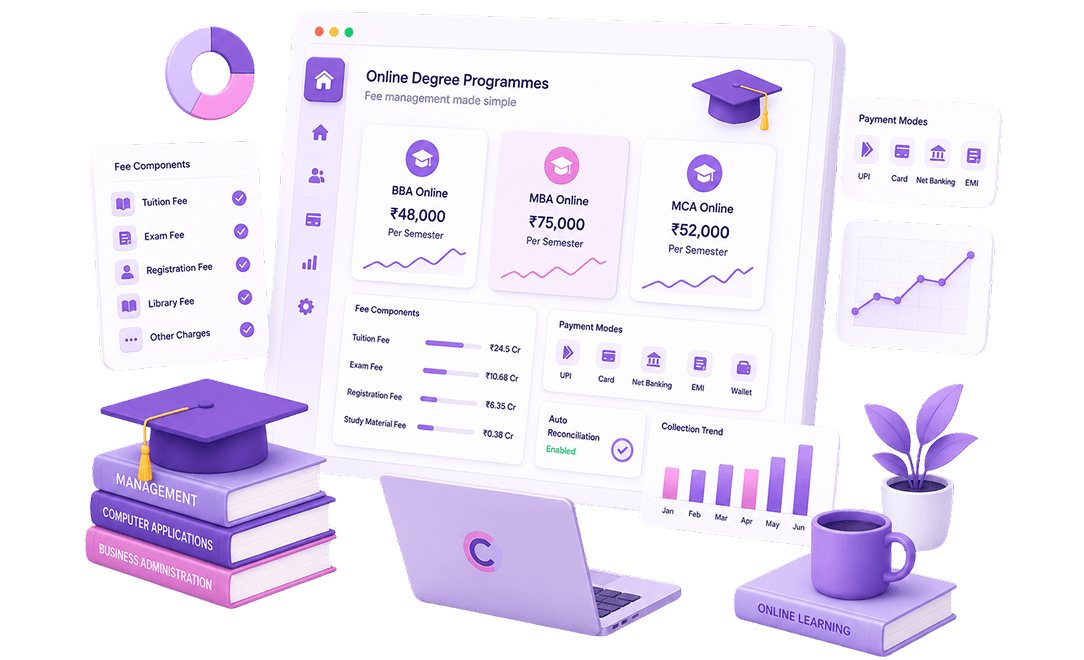
Run the complete online degree fee cycle with Collexo
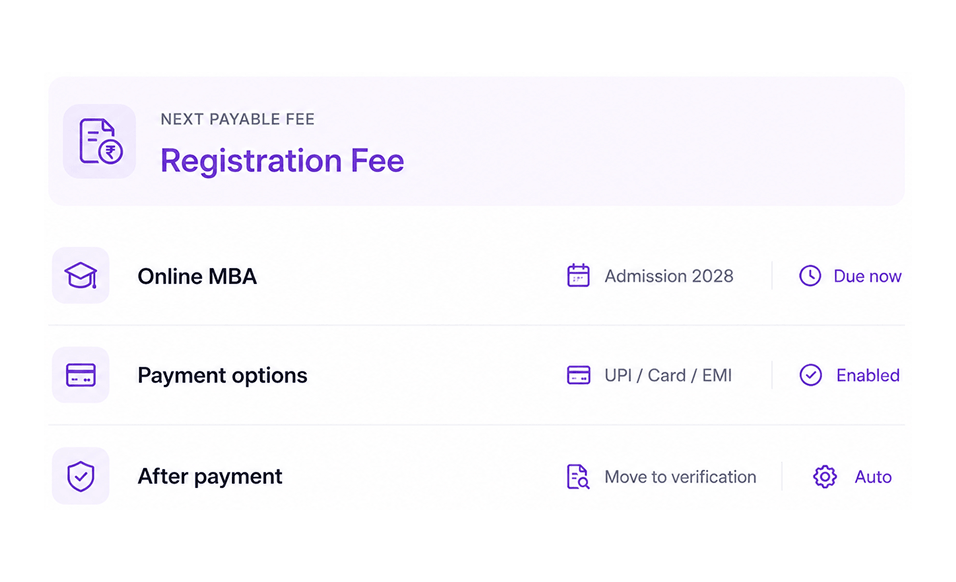
Manage every payment moment, from application and registration to course fee, verification, and enrollment confirmation.
Setup
Set programme-wise fee structures, instalments, scholarships, waivers, and stage-based payment rules.
02Collect
Accept application, registration, course, semester, and add-on fees through portals, links, UPI, cards, EMI, and AutoDebit.
03Reports & Reconciliation
Track collections, settlements, refunds, and dues while matching every transaction to the right ledger and receipt.
Set up fees for every programme, intake, and payment stage
Create structured fee plans for application, registration, course, semester, exam, and add-on payments.
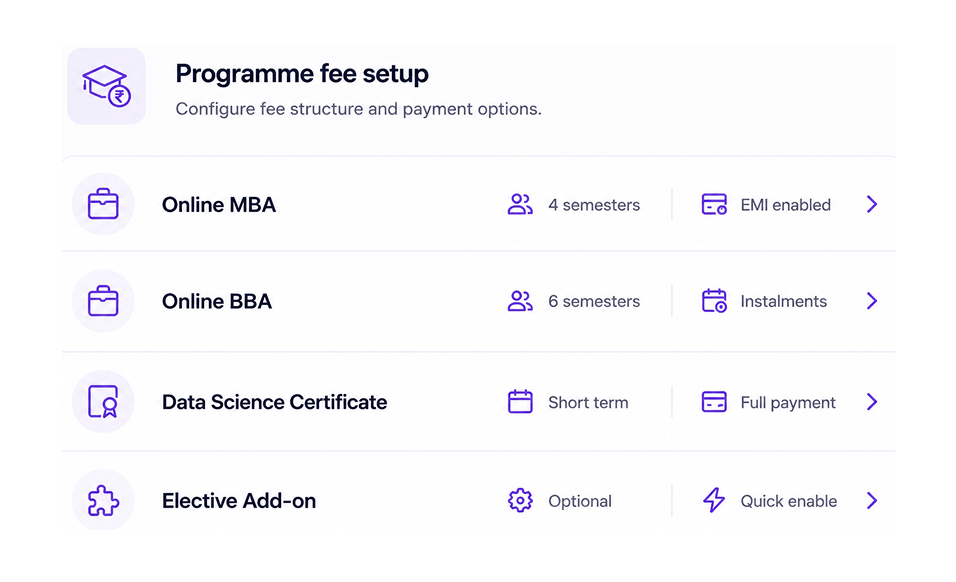
Programme-wise fee structures made easy
Create fee plans for undergraduate, postgraduate, diploma, certificate, add-on, and elective programmes, mapped to each admission cycle.
- Create fee heads for application, registration, semester, course, exam, and add-ons
- Set structures by programme, intake, session, and learner category
- Offer one-time, semester-wise, annual, instalment, or custom plans
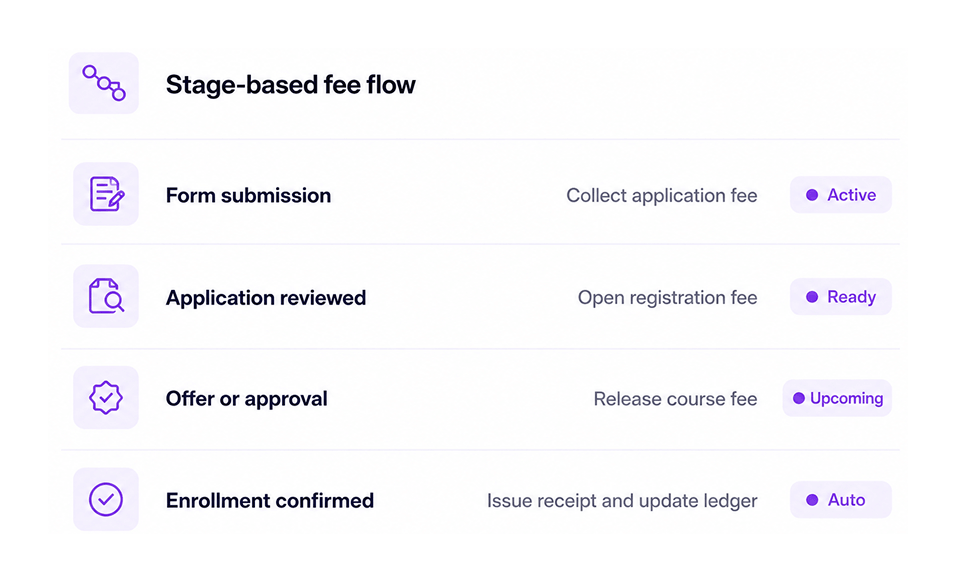
Fee rules that follow the admission journey
Open the right fee at the right stage, so students see only what they need to pay next.
- Collect application fees during form submission
- Open registration fees after review or stage update
- Release course fees after offer, approval, or confirmation
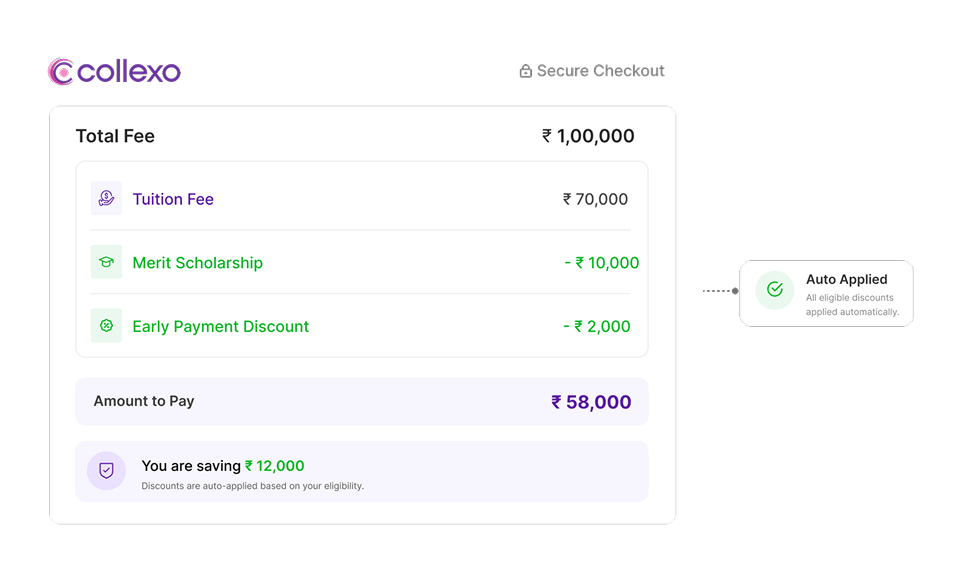
Scholarships, waivers, and offers with clear approvals
Manage discounts and waivers with the right approval checks in place.
- Manage merit, need-based, alumni, referral, and campaign-linked discounts
- Run early-bird offers for selected intakes and windows
- Keep approval trails for waivers, adjustments, and concessions
Give every online learner a clear way to pay
Let students pay digitally, with each transaction connected to the right student and fee demand.
Student portal payments for a smoother experience
Students can view dues, choose how to pay, download receipts, and continue their admission journey from one place.
- Show application, registration, course, semester, exam, and add-on fees in one view
- UPI, cards, net banking, wallets, EMI, and payment links supported
- Share instant receipts, payment status, and transaction history
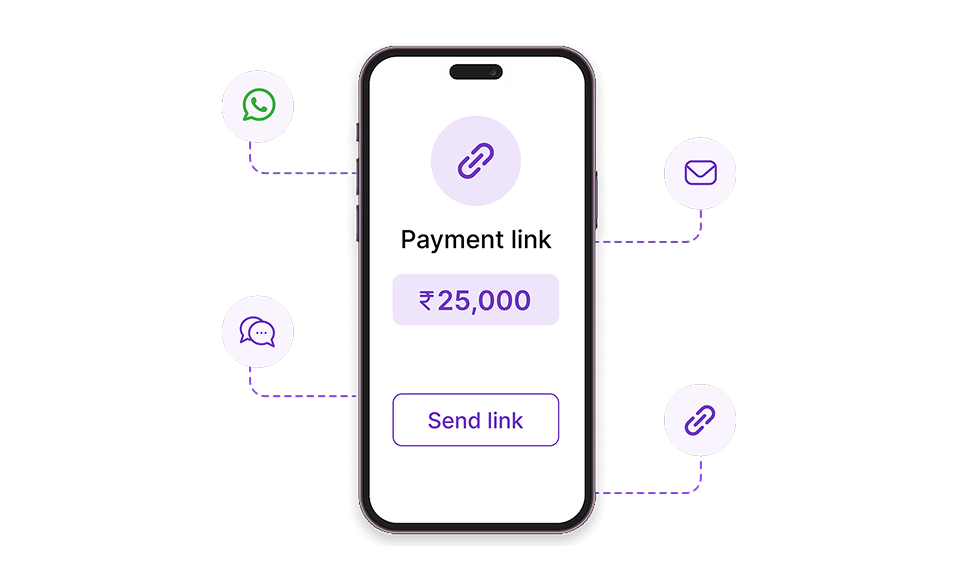
Payment links for teams and partners
Teams can send the right payment link with the correct amount, fee head, and due date already mapped.
- Create personalised links mapped to student, programme, and fee stage
- Share links over WhatsApp, SMS, email, or CRM flows
- Track sent, opened, paid, failed, and expired statuses
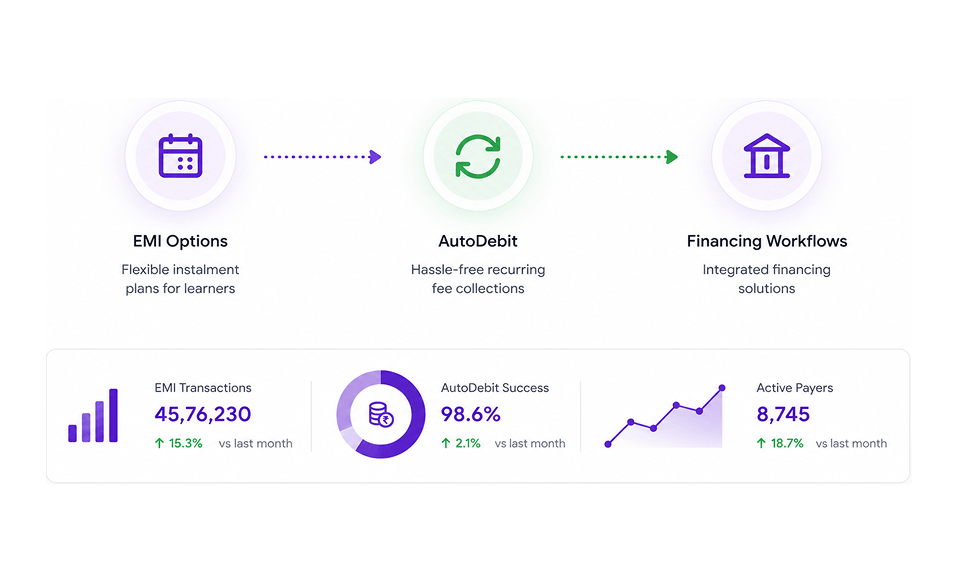
Flexible payments for higher-value programmes
Give students more ways to pay while keeping collections easier to track.
- Enable EMI options for eligible learners and programmes
- Support financing workflows where applicable
- Use AutoDebit for recurring fees and scheduled instalments
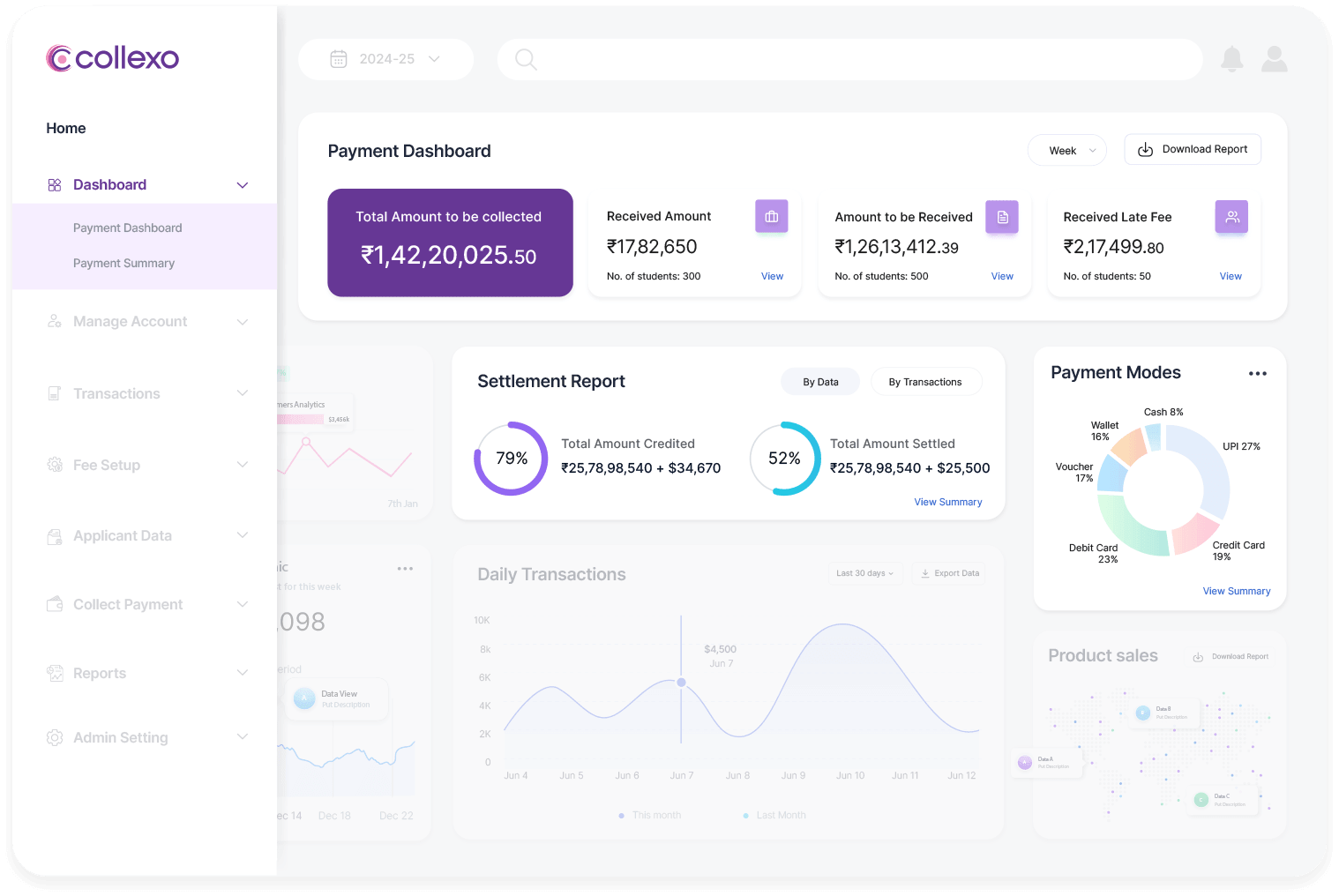
See where online degree payments stand, at any point
Give finance, admissions, and leadership a clear view of collections, dues, refunds, settlements, and reconciliations.
- Reports by programme, intake, fee head, session, source, and mode
- Collected, pending, failed, refunded, outstanding, and settled amount visibility
- Automatic reconciliation for online, offline, EMI, AutoDebit, and assisted payments
- Student ledger, receipt, settlement, refund, and bank-reference matching
Automatic reconciliation across payment modes
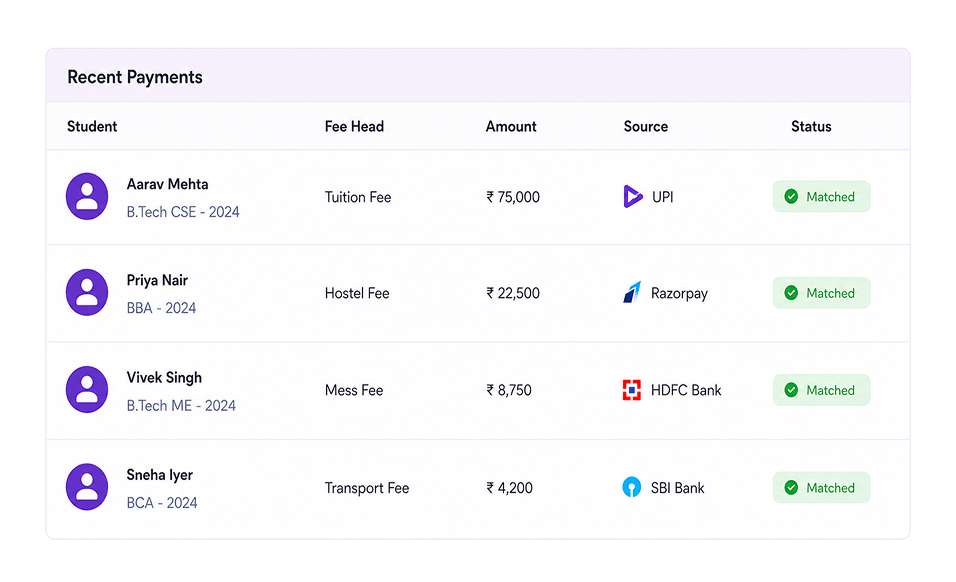
Match every payment to the correct student, fee demand, receipt, and ledger automatically.
- Match payments by student record, fee head, and admission session
- Reconcile gateway, bank, EMI, AutoDebit, and offline payments
- Reduce suspense entries across high-volume collections
Reports that give finance teams clearer visibility
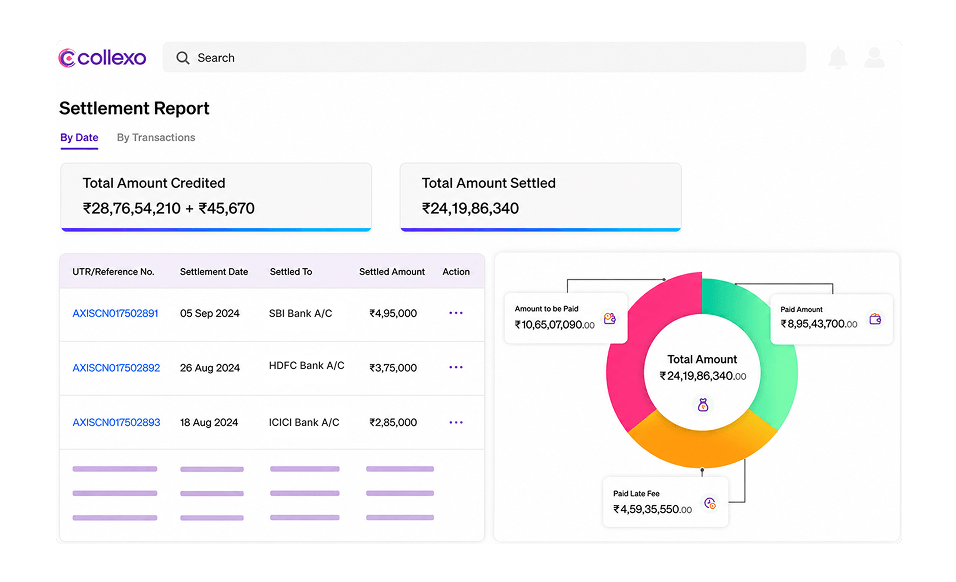
Track collections, dues, refunds, settlements, and failed payments across programmes, intakes, and payment modes.
- View collections by programme, intake, and admission session
- Track application, registration, course, semester, and exam fee stages
- Export settlement, refund, failed-payment, and outstanding views
A simpler payment experience for online learners
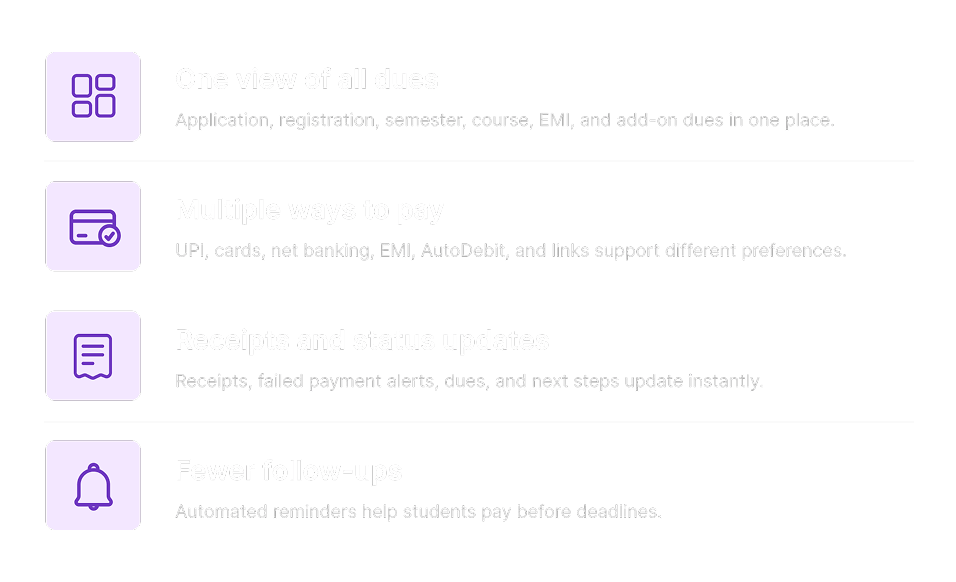
Give learners a simple way to check dues, pay online, download receipts, and stay updated.
Built for secure and compliant financial operations
Support controlled access, transparent records, audit trails, and enterprise-grade data protection.